Checking a model
 Check model opens the validator for a cluster. The
validator runs automatically and lists all issues that prevent correct
reasoning, or that point to a probable modelling error.
Check model opens the validator for a cluster. The
validator runs automatically and lists all issues that prevent correct
reasoning, or that point to a probable modelling error.
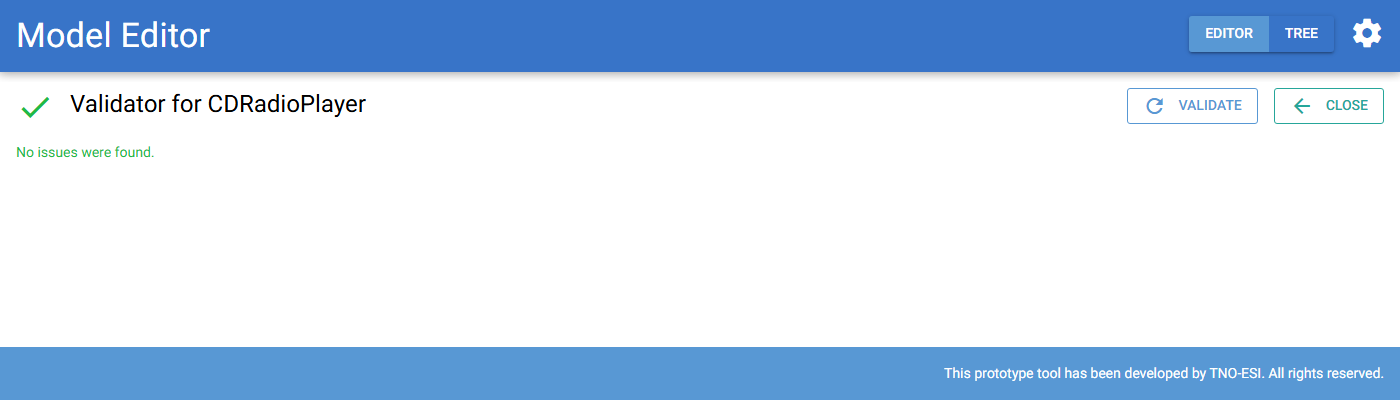
Fig. 63 The validator for the CDRadioPlayer model. No issues were found.
Every message names the element concerned and links to the page where you can fix it. Typical messages:
- No CPT provided
A node with custom states has no custom CPT. Use the Specify CPT link to open the CPT editor.
- No valid CPT found
The size of the stored CPT does not match the current number of parent state combinations or node states, for example after you added a relation or a state. Update the CPT.
- Relation is part of a cyclic dependency
Required for relations form a cycle. MBDlyb cuts cycles automatically when it builds the reasoning model. This can hide hardware failures, so check whether the cycle is intended. If it is not, remove one of the relations. In Capella you can mark the exchange as not required.
- Start node / End node may not have subfunctions
A required for relation connects a composite function. This is a warning. Repair the relation with the required-for matrix.
If there are no issues, the validator shows No issues were found.
Tip
Check the model after every Capella import and after larger changes. Do this before you use the diagnoser or design for diagnostics.